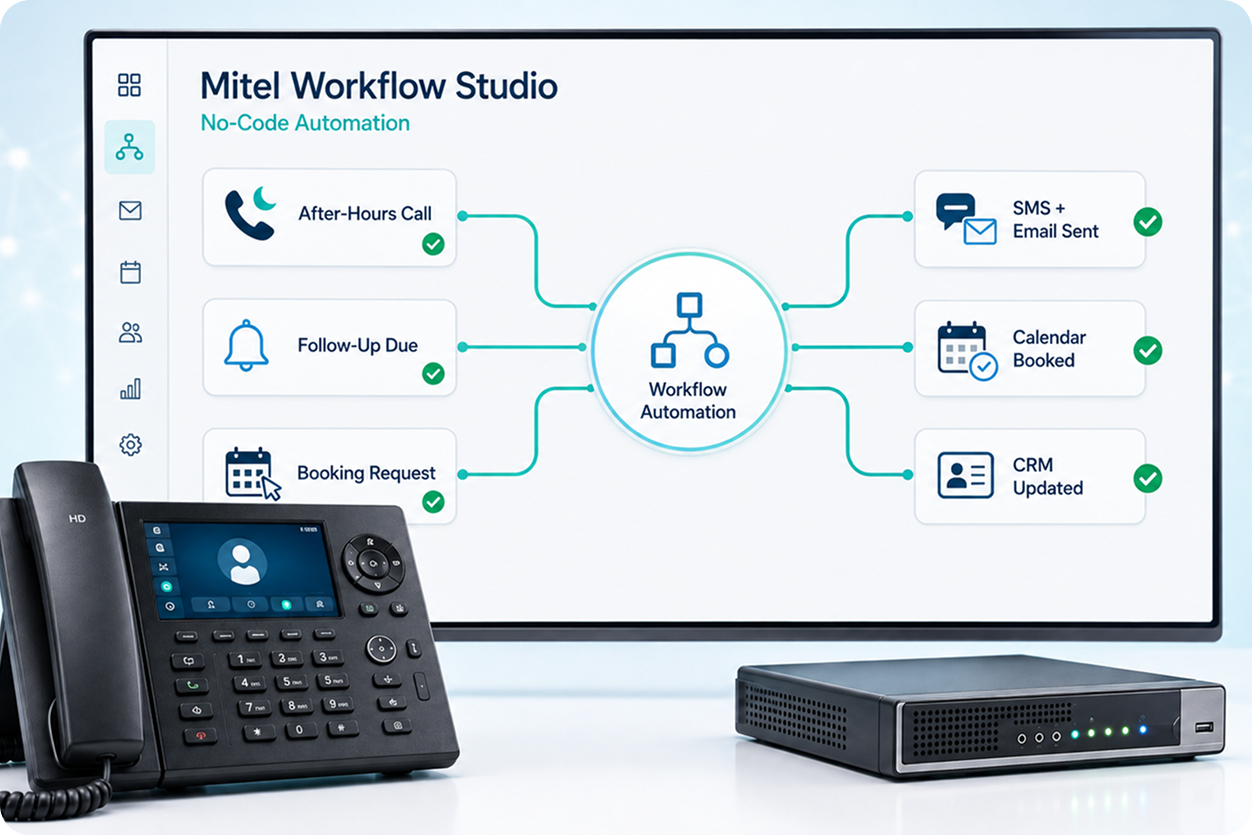
Every after-hours call that reaches a generic voicemail, every follow-up that relies on someone remembering to send an email, every appointment booking that goes through a staff member who could be doing something else: these are tasks that can run automatically, without anyone building a custom software integration.
Mitel Workflow Studio is a visual, drag-and-drop automation builder built into the Mitel platform. You describe the workflow you want, connect the steps, and the system runs it. No coding experience required. For more complex or high-volume deployments, eComms designs and deploys the workflows for you.
The most effective way to understand the platform is through what it actually does. Here are four workflows that businesses commonly build with Workflow Studio:
Who It Suits: Any business that currently relies on basic voicemail after hours.
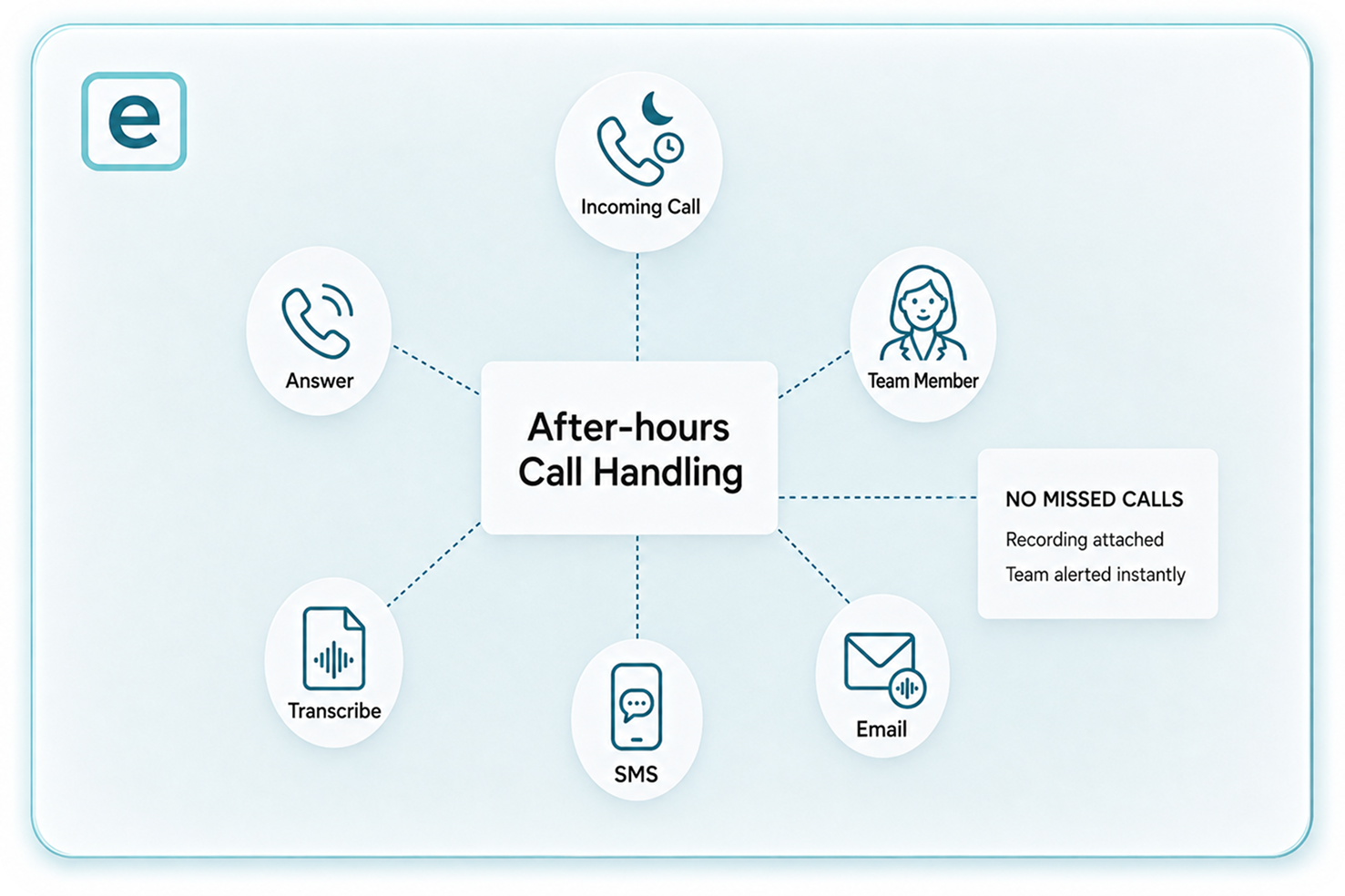
When a call comes in outside business hours, the system answers, transcribes the message, and automatically sends an SMS and email to the right team member with the recording attached. No missed call goes without a response.
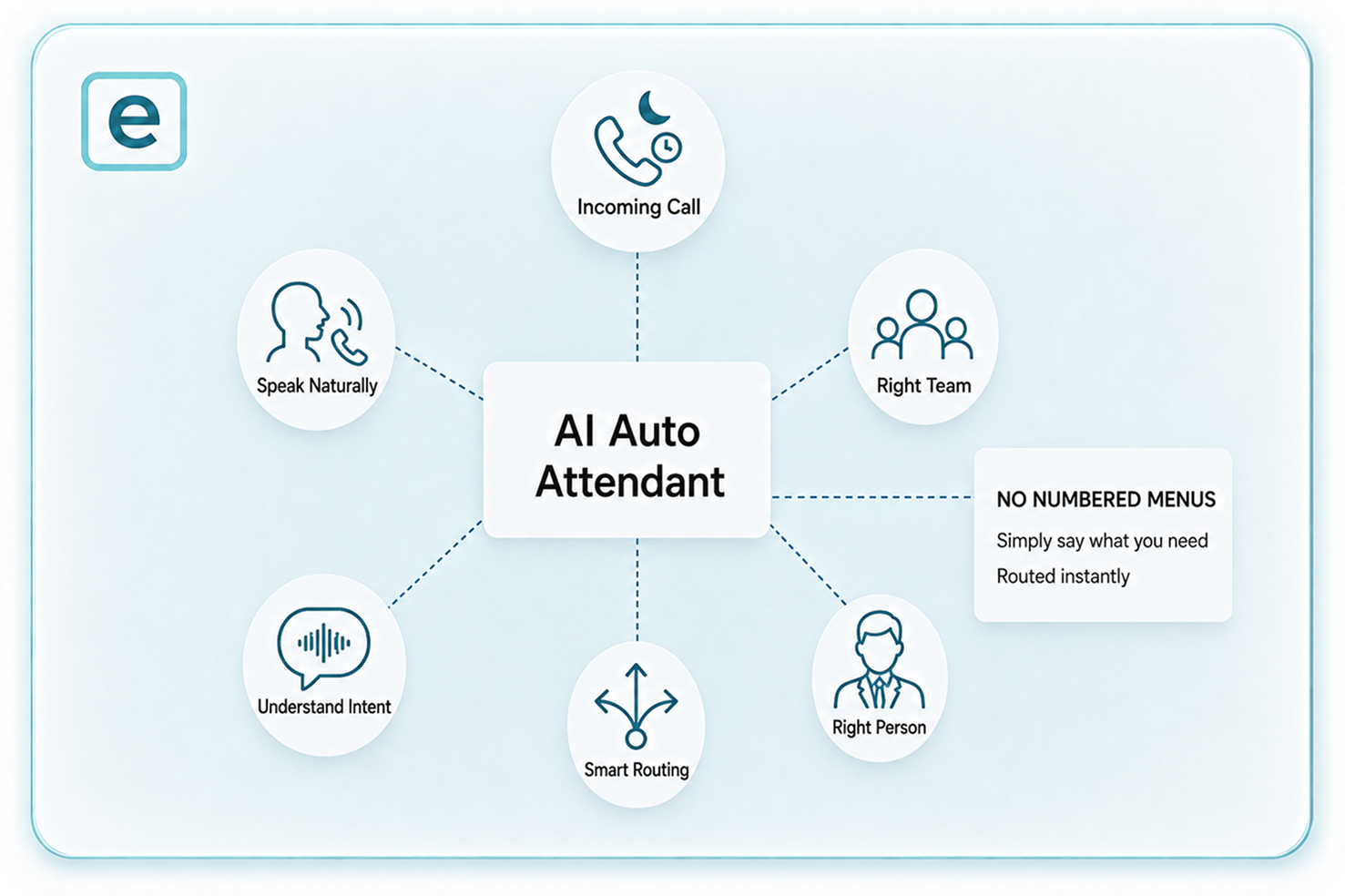
The system answers calls, understands what the caller wants in natural language, and routes to the right person or team without a numbered menu. Callers say what they need rather than navigating options.
Who It Suits: Businesses replacing a traditional IVR menu (press 1 for sales, press 2 for support).
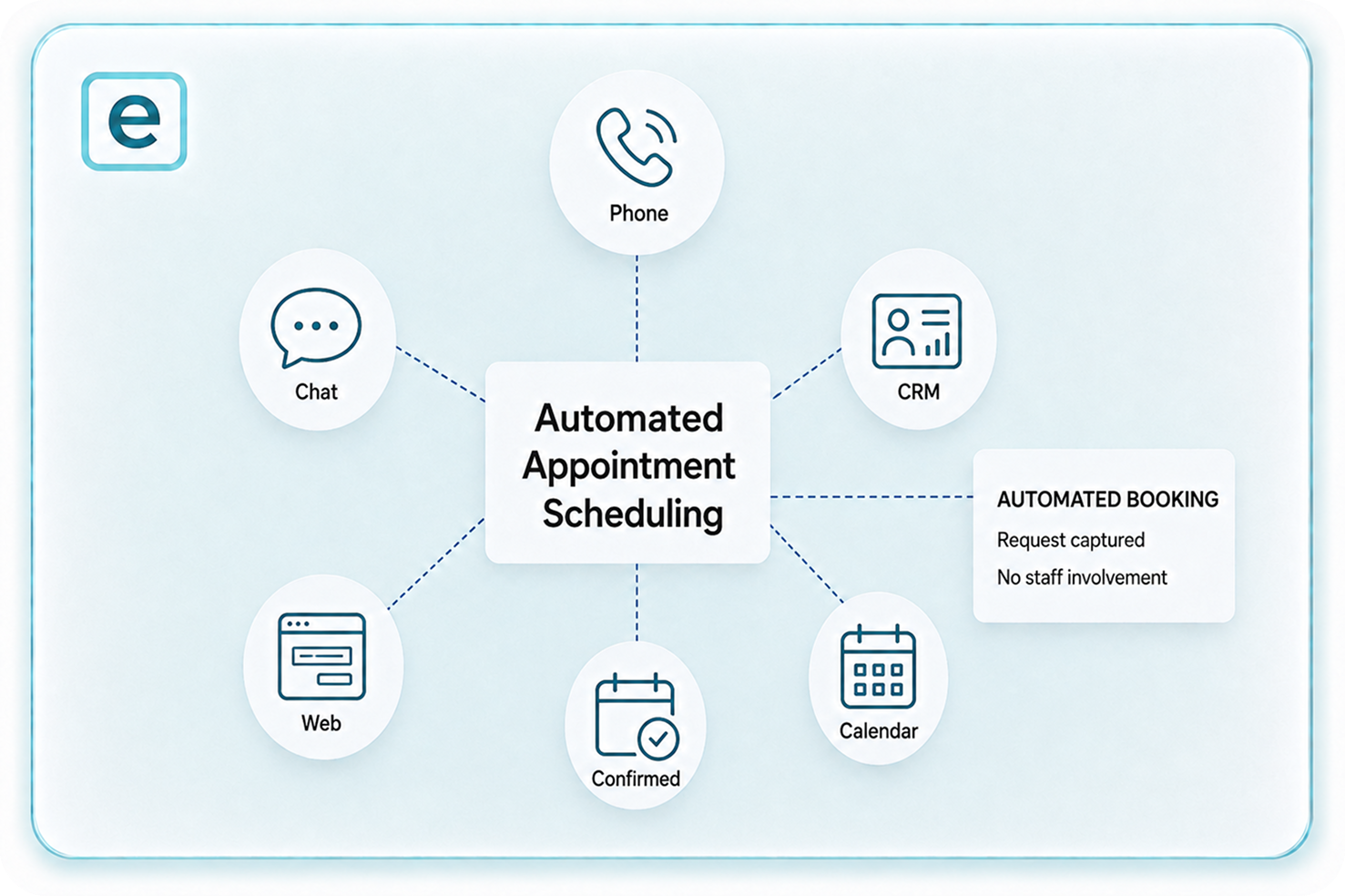
Booking requests by phone, chat or web are captured and confirmed automatically, with the booking logged in the calendar or CRM without staff involvement.
Who It Suits: Clinics, trades, service businesses, and any team handling a high volume of scheduled appointments.
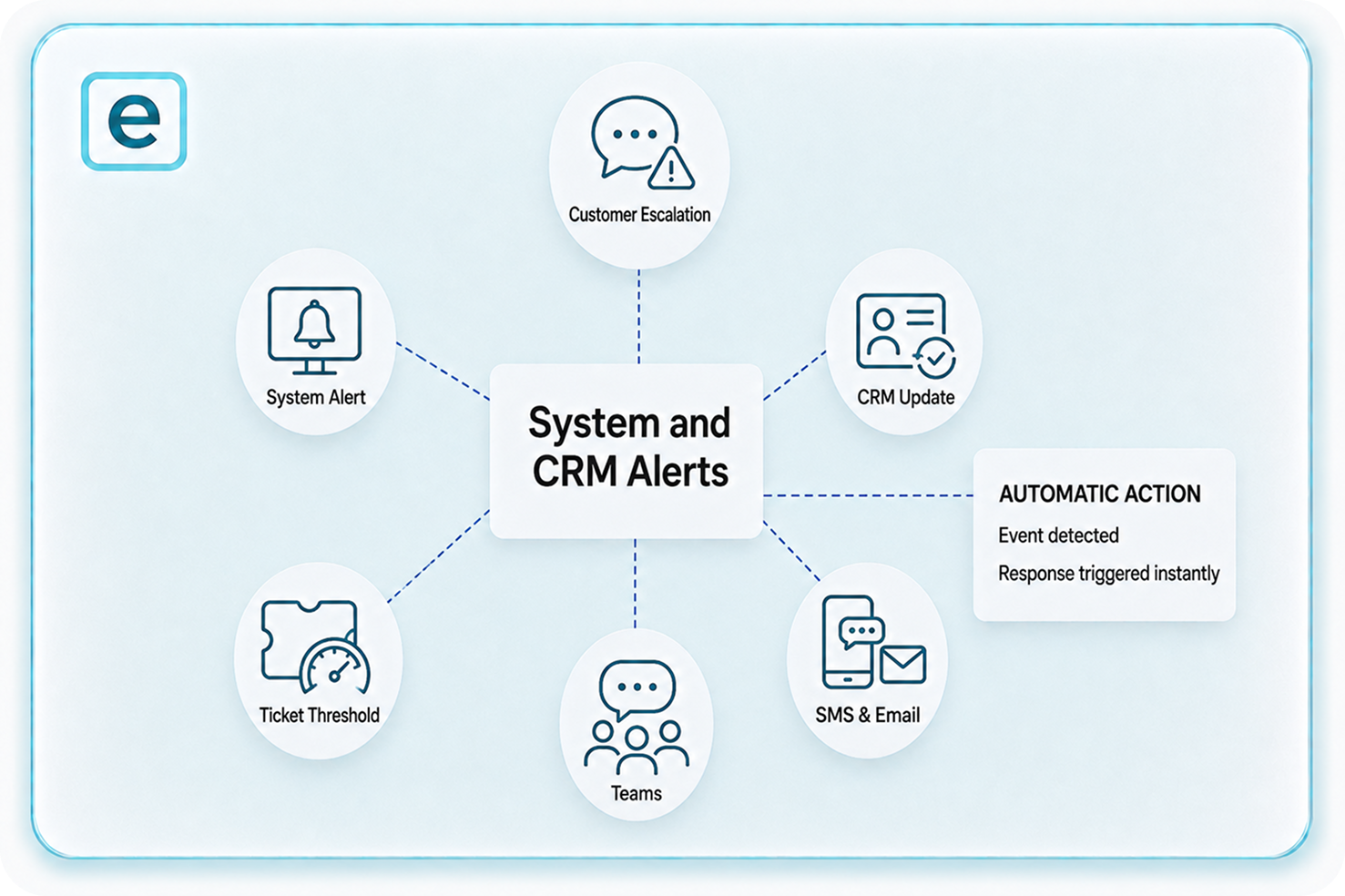
When a specific event occurs, such as a customer escalation, a system alert, or a ticket threshold being reached, Workflow Studio triggers an action automatically: a Teams message, an SMS, an email, or a CRM ticket update.
Who It Suits: Businesses running dispersed teams, field operations, or ticket-based support.