Microsoft Teams as Your Business Phone System in Australia

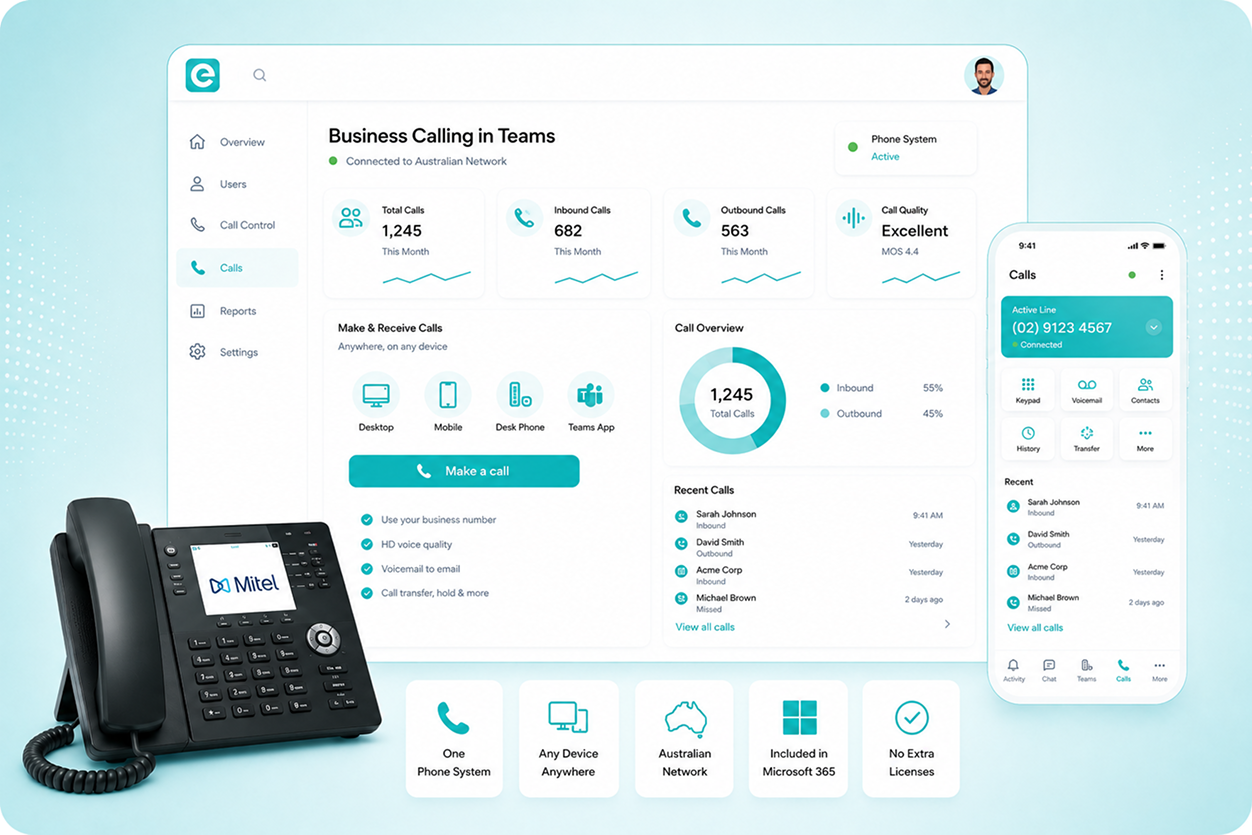
If your business runs Microsoft 365, you are already halfway to a complete phone system. eComms connects Teams to the Australian phone network so your staff can make and receive any call, to any number, without leaving Teams. 

Talk to Our Team

    Everything in One Place, From Day One

    Why Pay for Two Systems?

    Microsoft 365 businesses already pay for Teams and use it daily, while paying a separate monthly fee for a phone system that does nothing else.

    Teams, Connected to the Phone Network

    eComms connects Microsoft Teams to the Australian phone network, so staff make and receive business calls through Teams on any device.

    One System, Already in Use

    The phone system your team already uses becomes the only one you need, from desktop to mobile to a Teams-certified handset.
    How Teams Calling Works

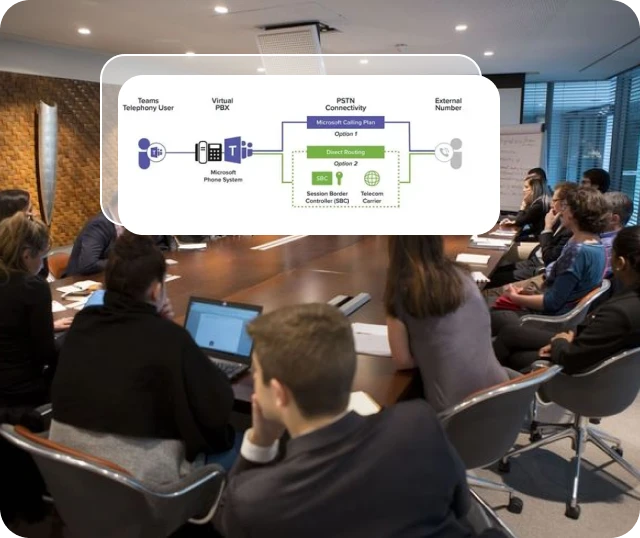
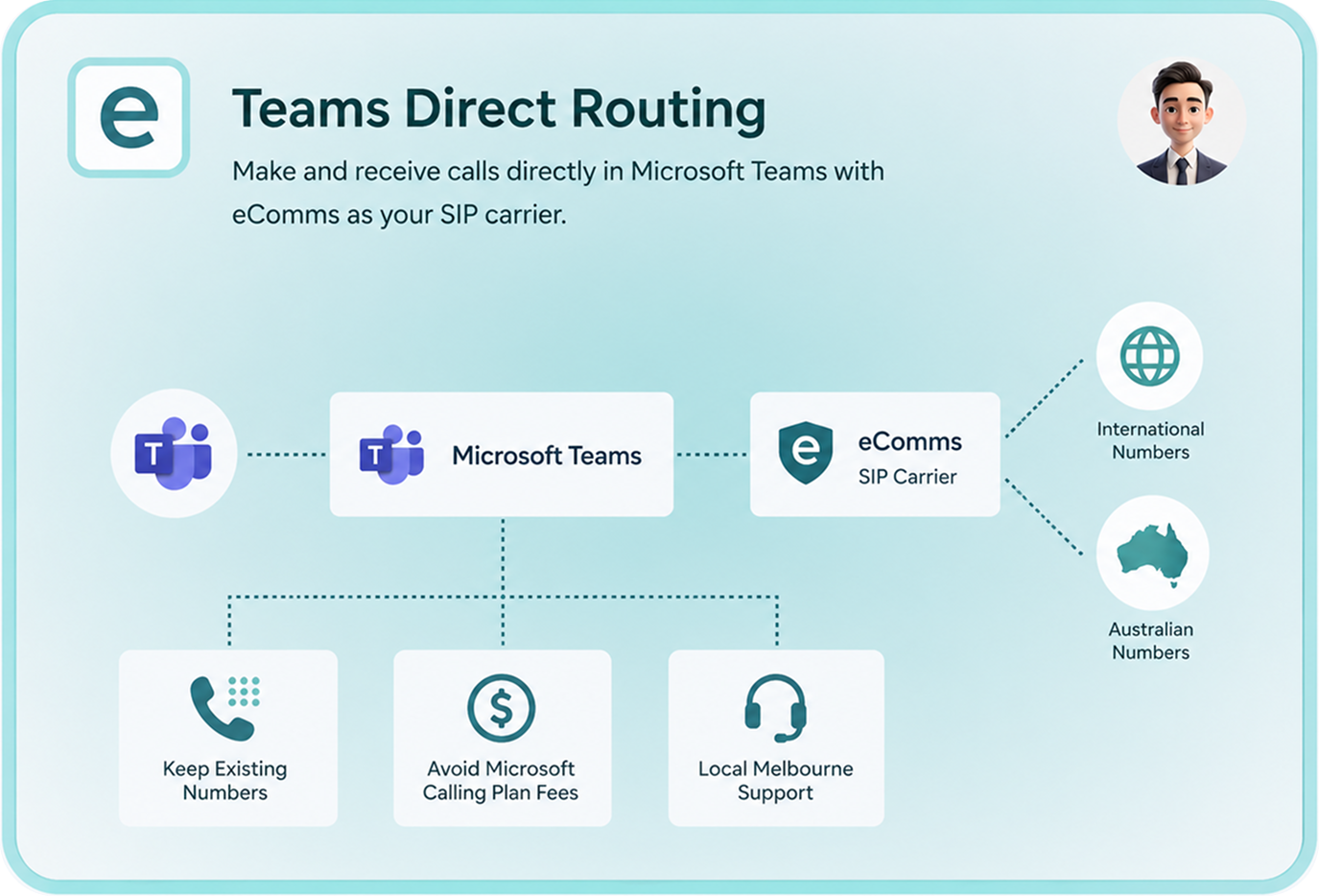
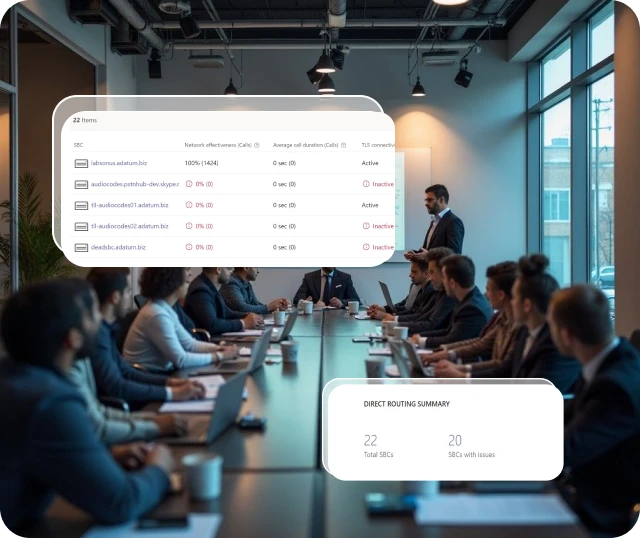
    Microsoft Teams can handle voice calls in two ways. Microsoft Calling Plans are a per-user monthly add-on that gives Teams users outbound and inbound calling through Microsoft’s own carrier network. Direct Routing connects Teams to a third-party SIP carrier instead, using a Session Border Controller to bridge the two environments. Direct Routing gives more flexibility: you keep your existing Australian phone numbers, avoid per-user Microsoft carrier fees, choose your SIP provider, and get a local team managing the connection rather than Microsoft support.

    For most Australian businesses with an existing number inventory or more than 20 users, Direct Routing through eComms provides better value and more control than Microsoft Calling Plans. eComms manages the SBC configuration, SIP connection, number porting, and ongoing support from our Melbourne team.

    What's included

    Built into one network

    Teams Direct Routing 

    Direct Routing lets your staff call any Australian or international number directly from Microsoft Teams, using eComms as the SIP carrier. Keep your existing numbers, avoid Microsoft Calling Plan per-user fees, and get a local Melbourne team managing the connection as your Teams environment grows and changes. 
    OpenScape SBC 

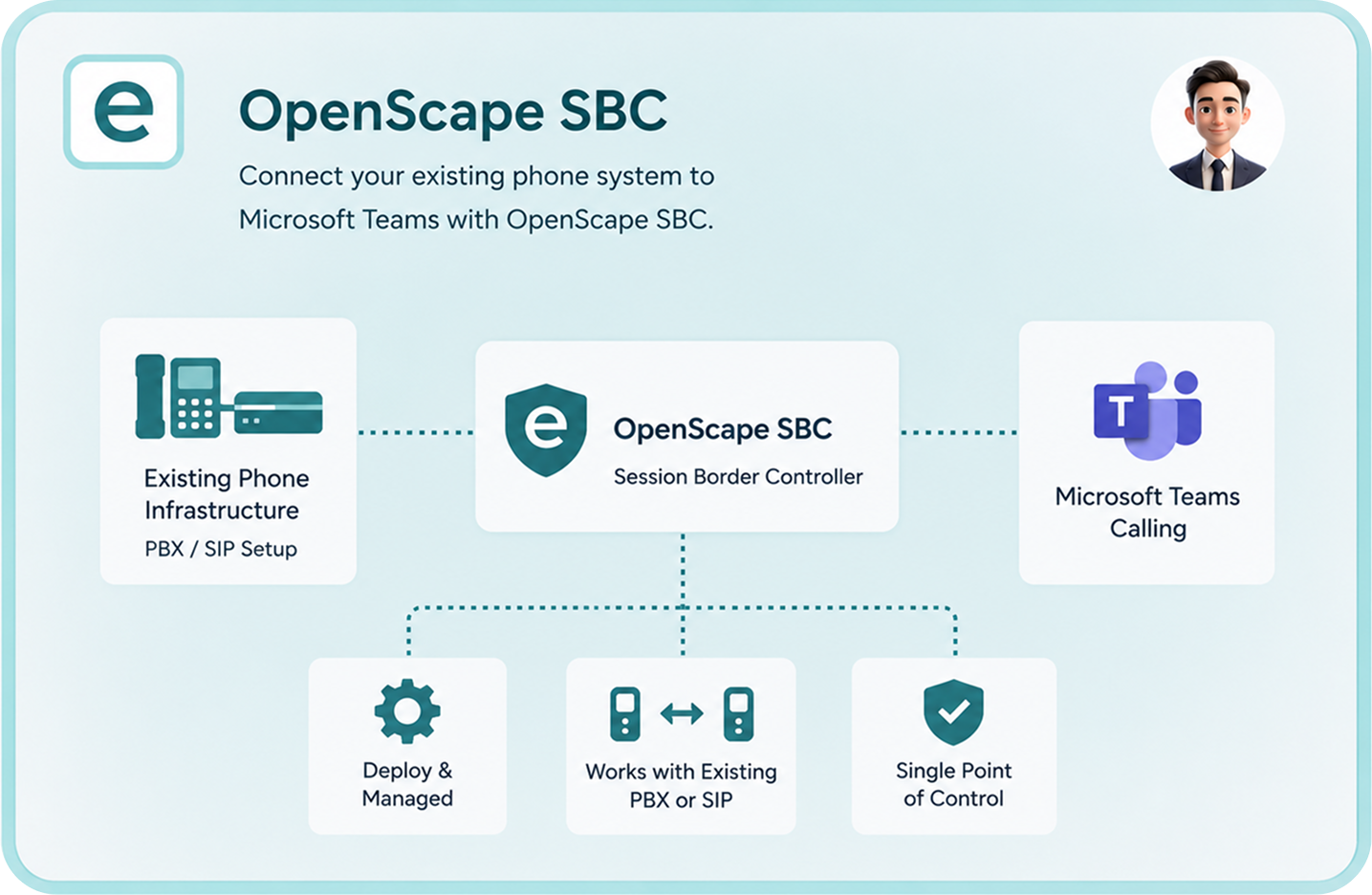
    A Session Border Controller is the device that bridges your existing phone infrastructure with Microsoft Teams. eComms deploys and manages OpenScape SBC for businesses that want Teams calling without replacing their current PBX or SIP setup, giving both systems a shared point of control. 
    MiCollab and Microsoft Teams 

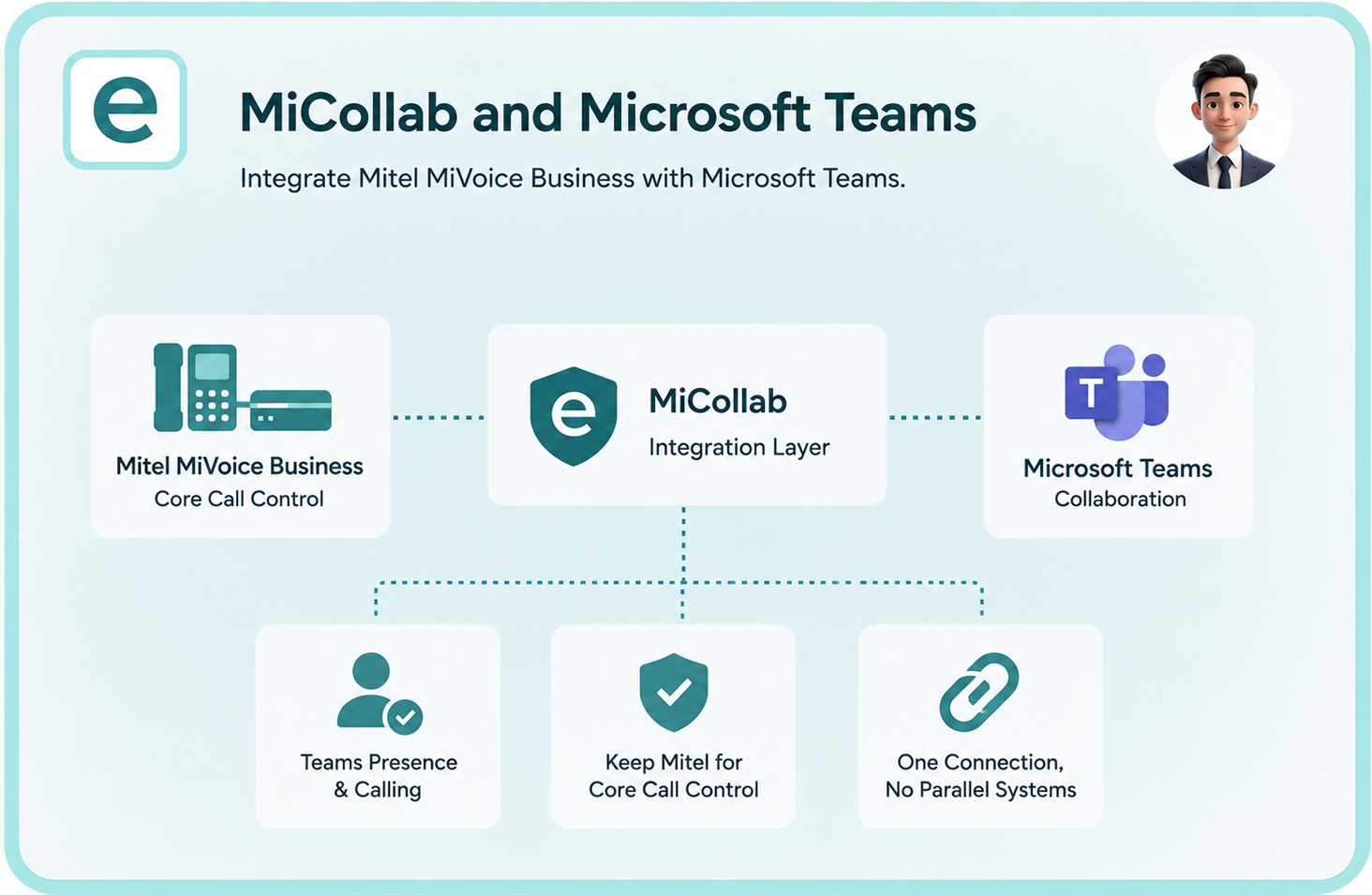
    MiCollab integrates with Microsoft Teams so Mitel MiVoice Business users get Teams presence and calling features alongside their existing phone system. For businesses that want to keep Mitel for core call control but add Teams collaboration, MiCollab is the integration layer that connects the two without running parallel environments. 
    3CX and Microsoft Teams 

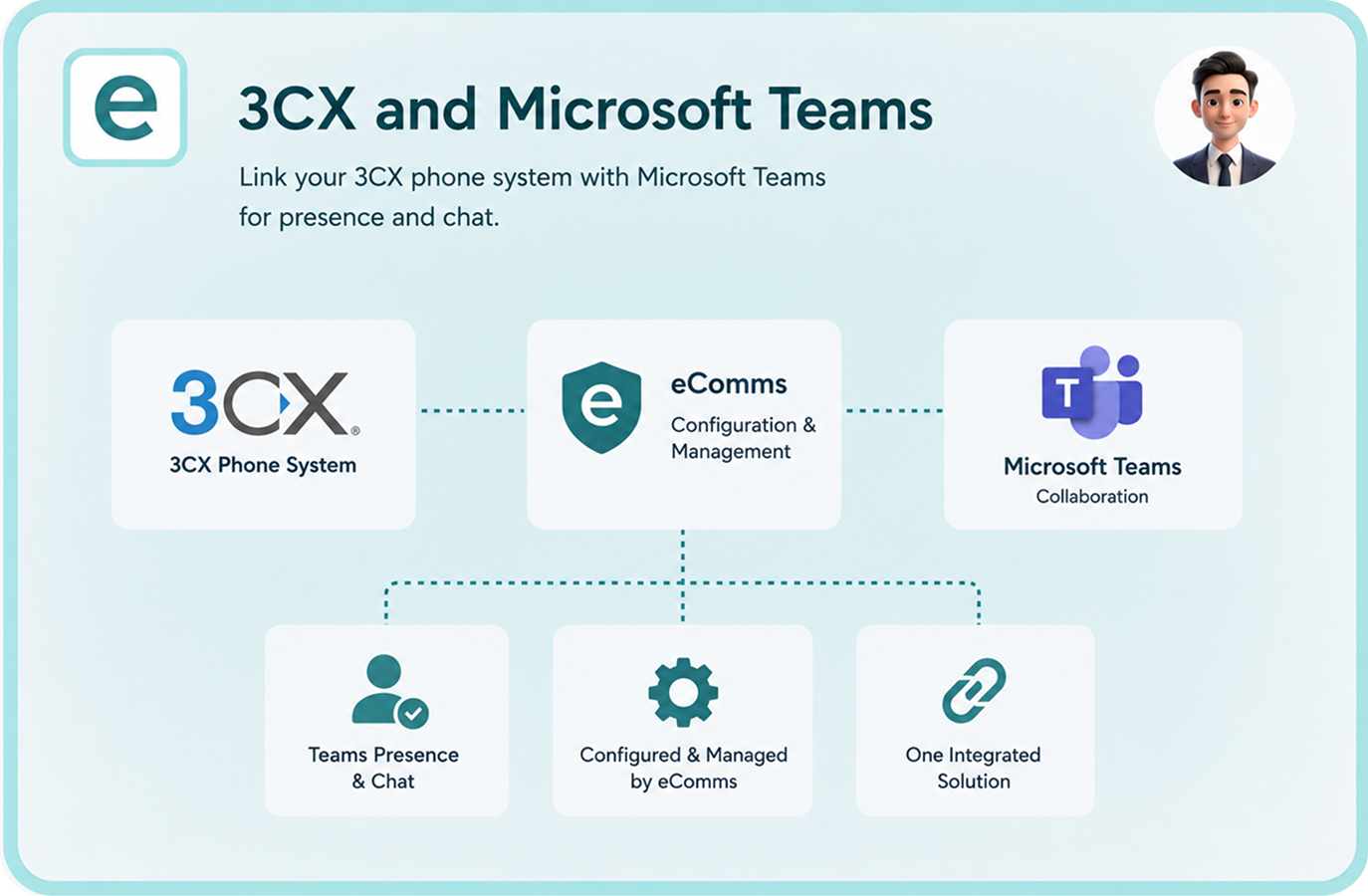
    3CX has a native Microsoft Teams integration that links your 3CX phone system to Teams for presence and chat. eComms configures and manages this for 3CX customers who want to add Teams collaboration features without running a separate phone system alongside it. 
    Why Direct Routing Over Microsoft Calling Plans

    Microsoft Calling Plans are a per-user monthly fee from Microsoft that covers the carrier connection for Teams calling. For a small business starting fresh with no existing number inventory, Calling Plans are the quickest path to Teams calling. For any business with more than 20 users or an existing portfolio of geographic numbers, direct-dial numbers, and 1300 or 1800 numbers, the per-user fee model adds up quickly, and porting those numbers into Microsoft’s system removes control from the business.
    Direct Routing through eComms gives your staff the same Microsoft Teams calling experience at lower per-call costs, with the ability to retain every existing number and carrier relationship. eComms manages the SIP connection behind Direct Routing, handles all number porting, and provides a local team to support the ongoing configuration as your Microsoft 365 environment changes. If something breaks, you call eComms, not a Microsoft support queue.

    Listen to our happy customers!

    Thousands of Businesses Across Australia Trust eComms to Keep Them Connected

    “We moved our whole business onto Teams for calls last year. eComms handled the Direct Routing setup and ported all our DID numbers across. Our staff had no idea anything changed on cutover day, which is exactly what we wanted.” 

     IT Manager

    Financial Services Firm, 80 staff, Sydney and Melbourne

    Who Teams Calling Suits

    Microsoft 365 businesses

    If your staff already use Teams for meetings and chat, extending it to handle voice calls eliminates a separate phone system, a separate support contract, and a separate monthly bill. Teams calling makes the most sense when the platform is already embedded in how your team works day to day and the phone system is the remaining gap.

    Businesses migrating off a legacy PABX

    If your phone system hardware is approaching end of life and your team runs Microsoft 365, Teams calling is worth evaluating as the replacement. eComms can compare the total cost of a Teams Direct Routing deployment against a new Mitel MiVoice Business or 3CX deployment for your specific seat count and requirements.

    Remote and hybrid-first organisations

    Microsoft Teams is already the hub for remote work in most Microsoft 365 businesses. Adding PSTN call capability means remote staff make and receive business calls on the same platform they use for everything else, on any device, without needing a physical desk phone at home or at a client site.

    Why Businesses
    Choose eComms

    Answers to common questions about our managed phone systems, connectivity solutions, carrier network, and ongoing support services.

    What is Microsoft Teams Direct Routing?

    Microsoft Teams Direct Routing connects Teams to the public phone network through a third-party SIP provider instead of Microsoft's own Calling Plans. In practical terms, your staff can call any landline or mobile from Teams, and incoming calls to your business numbers ring in Teams, using a carrier relationship managed by eComms rather than Microsoft. Direct Routing gives more flexibility over number management, carrier choice, and per-call costs than Microsoft Calling Plans, and keeps your Australian number inventory under your control. 

    Microsoft does offer its own Calling Plans in Australia, but most businesses prefer Direct Routing through a local provider for three reasons: lower per-call costs, the ability to keep existing phone numbers and carrier agreements, and a local team for the SIP connection rather than Microsoft support. eComms manages the Direct Routing configuration and SIP infrastructure so you have a Melbourne-based team to contact when anything needs to change in your Teams calling environment. 

    Yes. Number porting from your current carrier or phone system to Teams Direct Routing is a standard part of the eComms Teams setup process. Your staff continue to receive calls on their existing direct-dial numbers, and customers dialling your main business number reach the same destination. eComms manages the porting timeline and coordinates with any carriers involved. Numbers remain active on the old service until the port is confirmed complete, so there is no gap in availability during the transition. 

    A Session Border Controller, or SBC, is the device or software that connects your SIP infrastructure to Microsoft Teams. For businesses using Direct Routing, an SBC is required as part of the architecture. eComms deploys and manages OpenScape SBC as part of the Teams Direct Routing setup. For businesses with an existing PBX or SIP environment they want to keep alongside Teams, the SBC is what bridges those two systems together and allows them to operate in parallel without conflict. 

    If your business runs Microsoft 365 and is paying separately for a phone system, a Teams calling assessment is a short conversation that gives you the numbers. eComms models the comparison, manages the deployment, and provides a local Melbourne team for ongoing support. There is no obligation and no generic sales process to get through first. 

    Ready to Simplify Your Phone System?

    Email our team: sales@ecomms.com.au