FortiEDR and Managed Detection and Response, Deployed by eComms

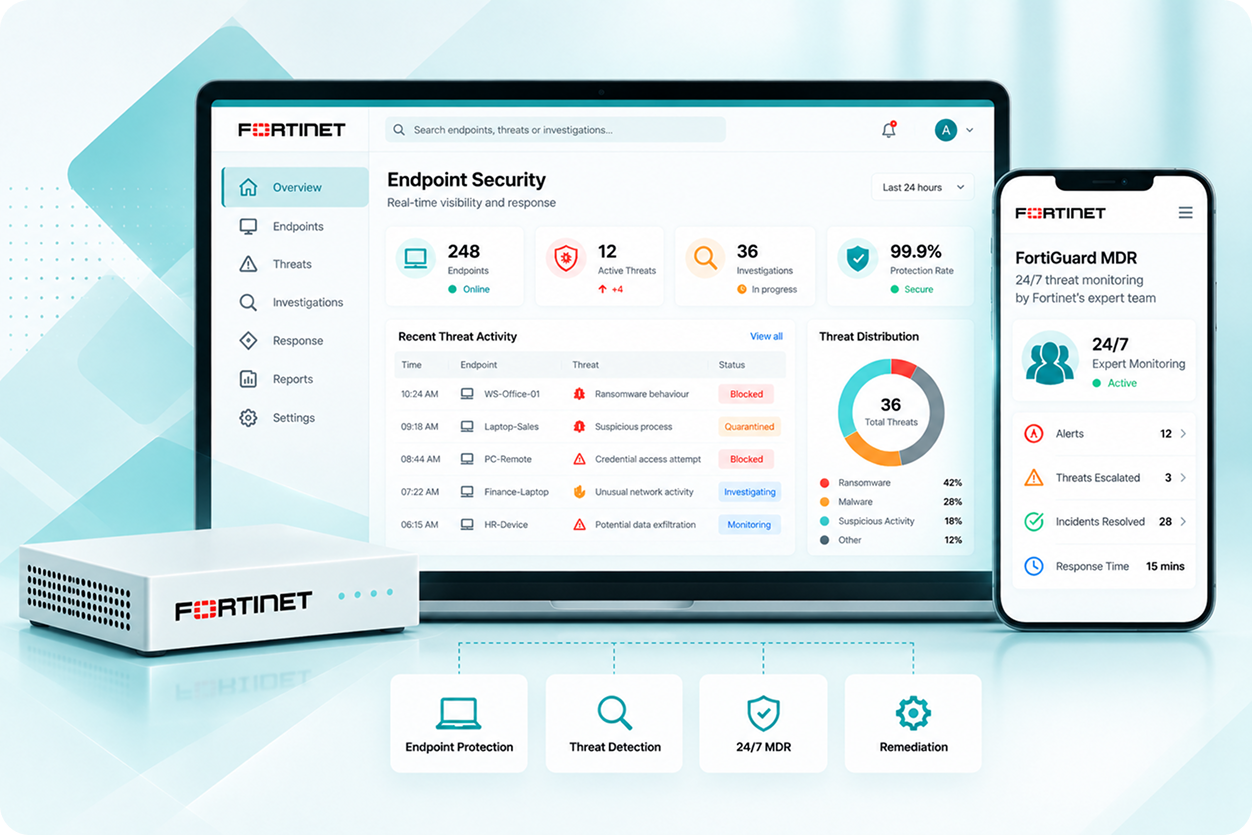
Stop threats on laptops and servers before they spread, and have Fortinet’s own 24/7 analyst team watching for what automated tools miss. eComms deploys and configures both, so you are never staring at unmonitored alerts. 

Talk to an Endpoint Security Specialist

    Antivirus Alone No Longer Stops What Is Coming

    Modern ransomware and targeted attacks are designed to bypass signature-based detection. They do not match known malware signatures because they are built to behave like legitimate processes until the damage is already done. By the time a traditional antivirus tool identifies the threat, encryption has started, data has moved, or the attacker has established persistence. FortiEDR and FortiGuard MDR address this with two complementary layers. FortiEDR monitors what endpoints are actually doing, not just what files they contain, and blocks malicious behaviour in real time before it spreads. FortiGuard MDR is Fortinet's own 24/7 analyst team that watches the alerts FortiEDR generates, triages them, and escalates genuine threats with remediation guidance. eComms deploys and configures both. For the network and firewall monitoring equivalent, see FortiGate SOCaaS. 
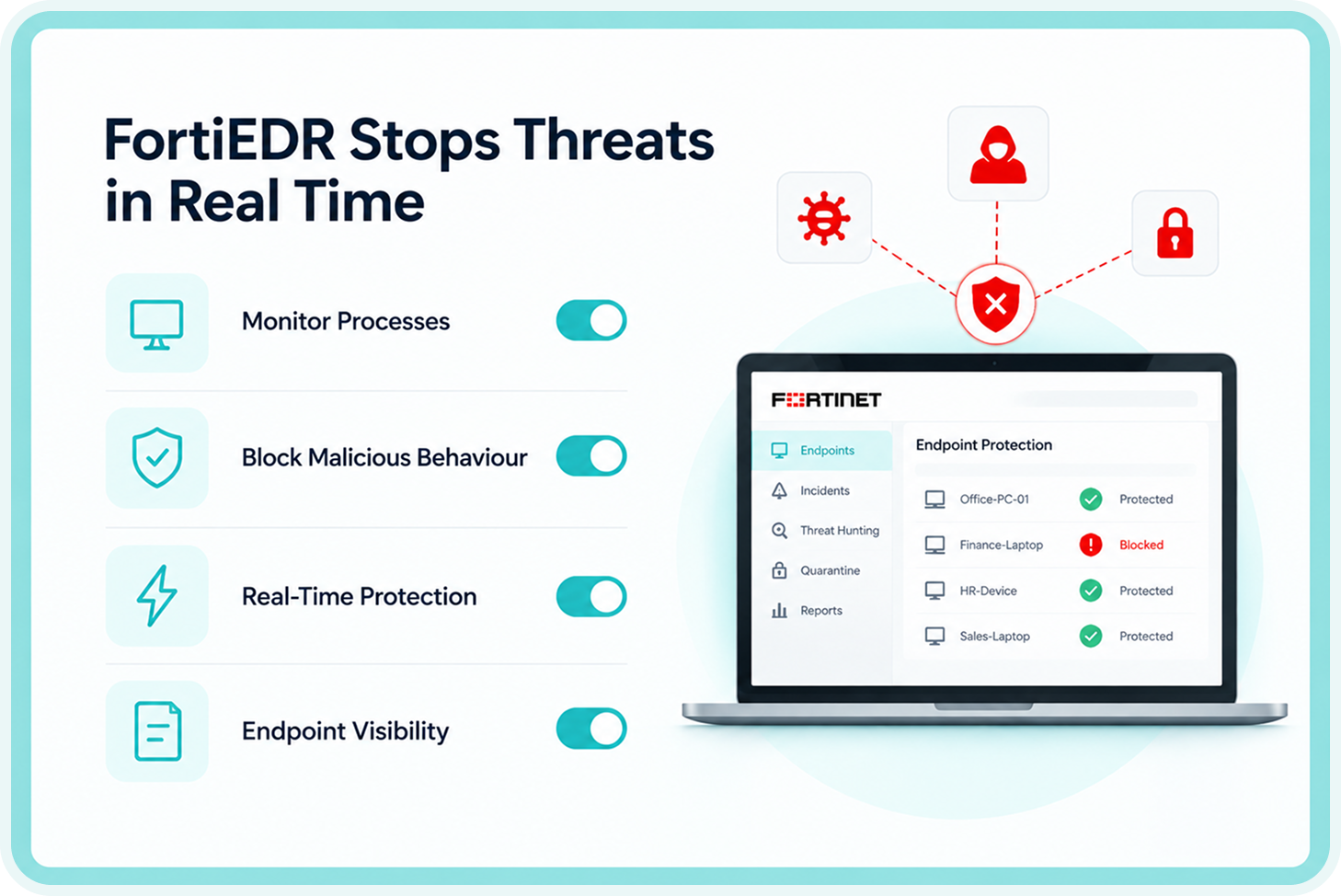
    What FortiEDR Does on Each Endpoint

    Real-time process blocking 

    FortiEDR monitors processes running on each endpoint and blocks malicious behaviour before it can cause damage. It does not wait for a scan cycle or a file to match a signature. When a process starts behaving in a way consistent with ransomware, lateral movement, or credential theft, it is stopped in real time. 
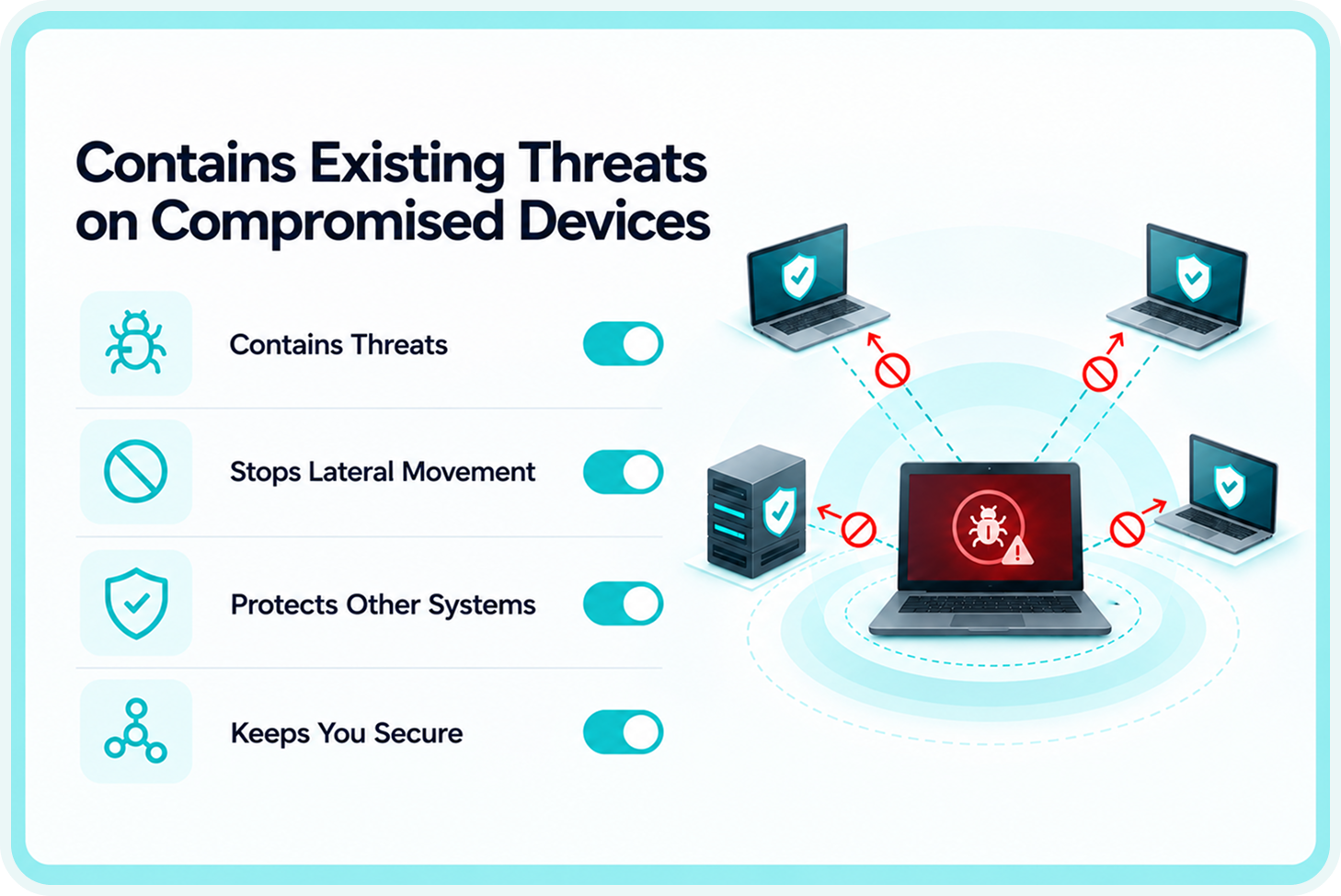
    Post-infection containment 

    If a device is already compromised when FortiEDR is deployed, it continues protecting by containing the existing threat and preventing it from moving to other systems, rather than simply flagging the infection and waiting. 
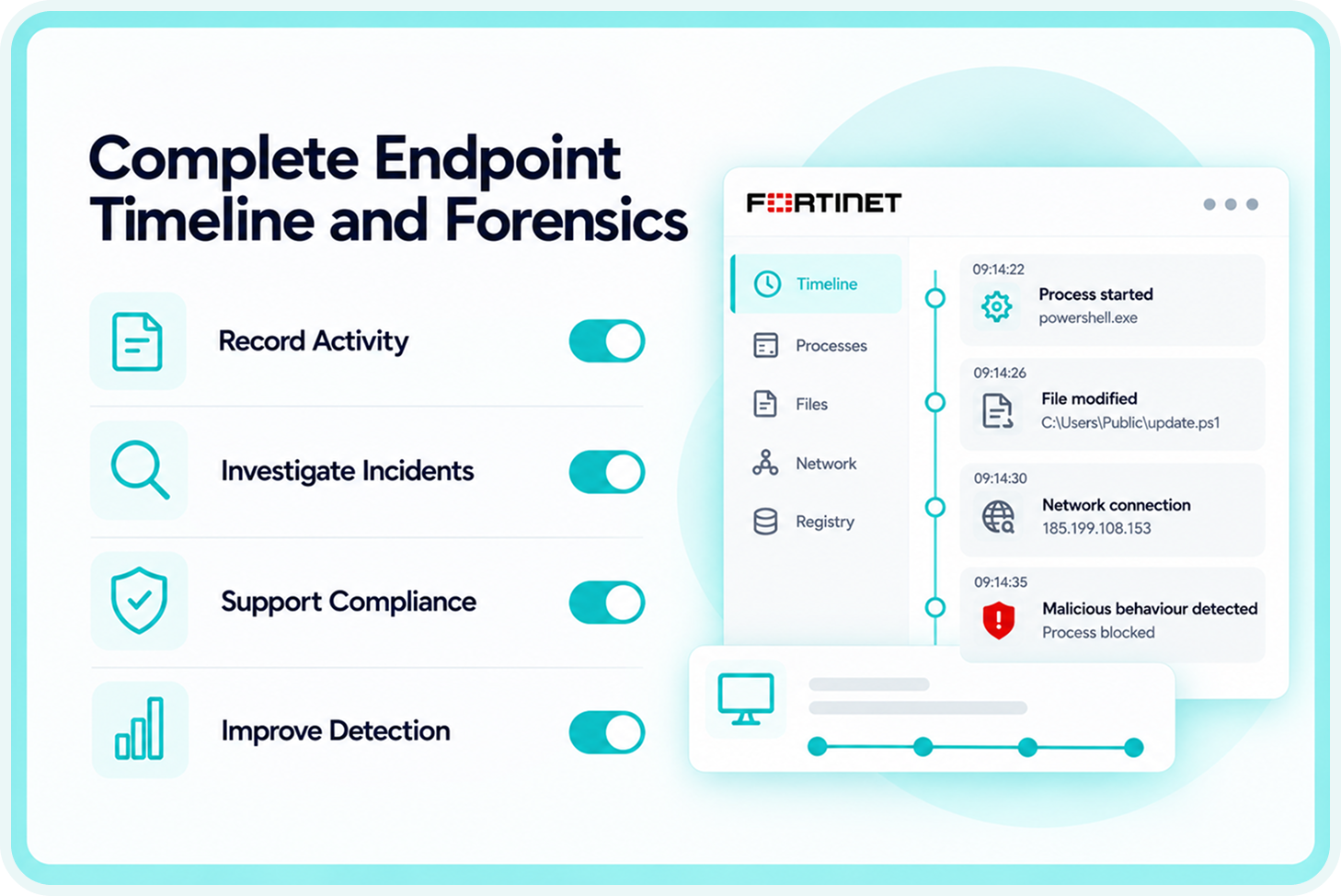
    Forensic timeline 

    FortiEDR builds a complete timeline of what happened on an endpoint: which process ran, what it accessed, what it modified, and when. This forensic record is used to understand the scope of an incident, satisfy compliance reporting requirements, and improve detection for similar future events. 
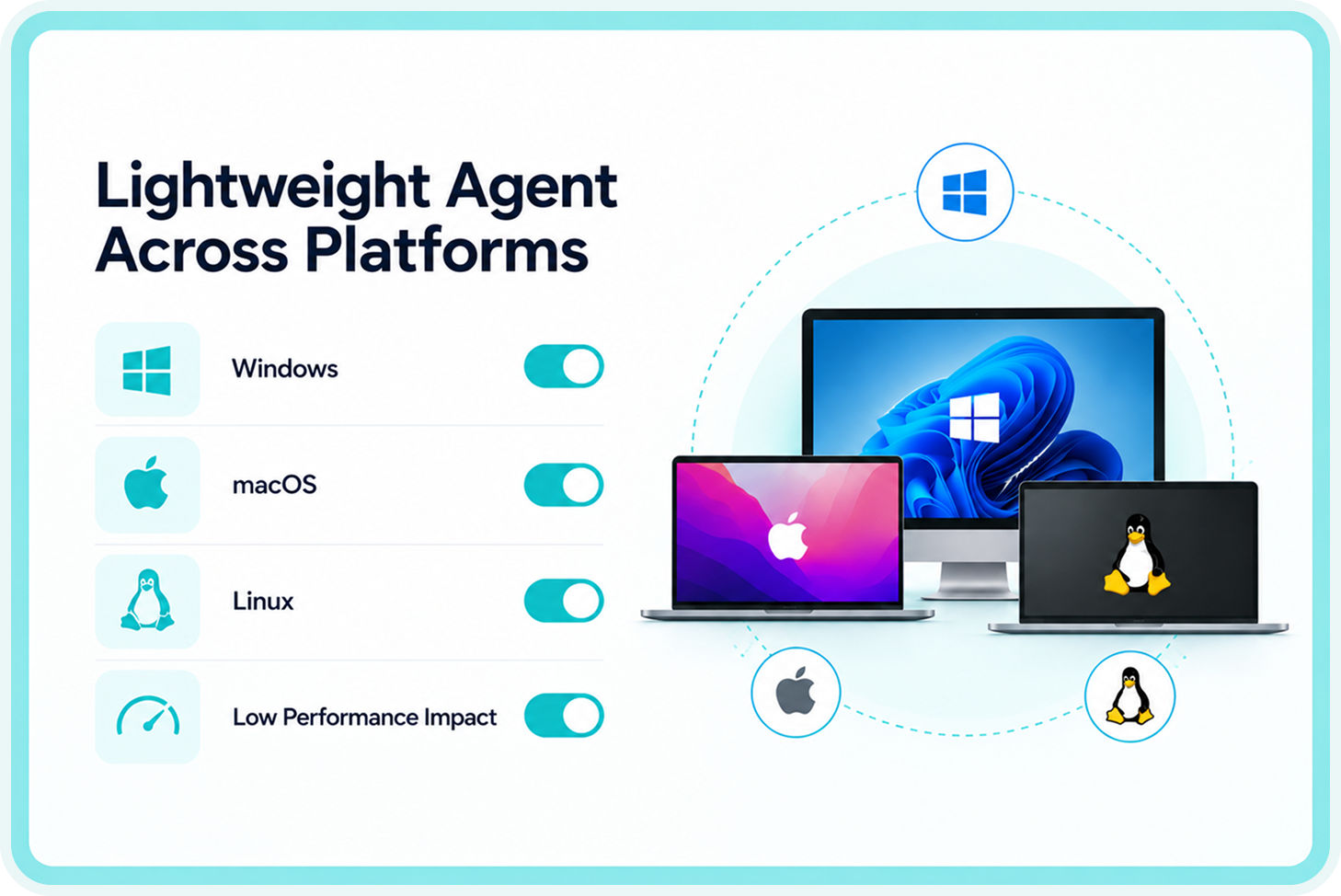
    Lightweight agent 

    The FortiEDR agent runs on Windows, macOS and Linux without the performance impact that some legacy antivirus tools impose. End users typically do not notice it is present. 

    What FortiGuard MDR Adds: Fortinet's Own Analysts Watching 24/7

    Who This Is For

    Businesses without a 24/7 internal security team

    The realistic alternative to FortiEDR and FortiGuard MDR for most businesses is nobody watching the alerts that endpoint protection generates. FortiEDR blocks threats automatically, reducing the response dependency on human intervention. The MDR layer means Fortinet’s team is reviewing what the automation flags and escalating when action is required. Contact eComms to discuss how this fits your current endpoint protection setup. 

    Regulated and higher-risk industries

    Financial services, healthcare, legal, and professional services firms where a documented, monitored response process matters for compliance as much as the protection itself. FortiEDR generates the forensic evidence compliance frameworks require. FortiGuard MDR provides the demonstrable monitoring layer. See Industries: Healthcare for the healthcare-specific security context. 

    FORTINET UNIFIED SASE

    EDUCATION | FORTINET UNIFIED SASE | BRISBANE QLD | ~2,000 DEVICES

    Extending the same security policy to every student device, wherever it goes

    The Challenge:

    An independent Brisbane school with approximately 1,400 students and 2,000 managed devices needed consistent protection whether a device was on campus, at home, or anywhere in between.

    How the Product Solved It:

    Outcome:

    Explore More Fortinet & Network Security Solutions

    Ready to strengthen your business network and security? eComms offers a range of Fortinet and network security solutions designed to help Australian businesses protect users, locations, applications and data.

    • Fortinet Solutions Hub: Explore eComms’ Fortinet security solutions for protecting modern business networks.

    • Network Security Solutions: Discover network security solutions designed to help protect your business infrastructure, users and data.

    • FortiGate SOCaaS: Strengthen security monitoring and response with managed Security Operations Centre capabilities.

    • Fortinet SASE: Secure users, applications and internet access across offices, remote locations and distributed workforces.

    • Fortinet SD-WAN: Improve branch connectivity, application performance and network security with secure SD-WAN.

    • Healthcare Solutions: Explore technology and communications solutions designed for healthcare environments.

    For broader connectivity solutions, explore the eComms Data & Internet Hub.

    Need help finding the right solution for your organisation? Contact eComms to discuss your network and security requirements.


    FortiEDR and Managed Detection and Response

    Answers to common questions about our managed phone systems, connectivity solutions, carrier network, and ongoing support services.

    What is the difference between EDR and traditional antivirus?

    Traditional antivirus identifies threats by matching files against a database of known malware signatures. If the malware is new or designed to avoid signature matching, antivirus does not catch it. EDR, or Endpoint Detection and Response, monitors what processes on a device are actually doing at the behavioural level. Ransomware encrypting files in bulk, a process accessing credential stores, or a script making unusual network connections are all behaviours EDR identifies and responds to regardless of whether the specific malware has been seen before. FortiEDR combines this detection capability with automated real-time response so the threat is stopped before it spreads. 

    Managed Detection and Response (MDR) is a service where security analysts review alerts generated by endpoint detection tools, triage them, and escalate confirmed incidents with remediation guidance. In the FortiGuard MDR service, the analysts are Fortinet's own FortiGuard Labs team. They review every alert FortiEDR generates on a 24/7 basis, proactively threat-hunt for indicators that automated tools might miss, and provide specific guided remediation steps when action is needed. eComms deploys the FortiEDR platform and connects it to the FortiGuard MDR service correctly. The 24/7 monitoring is Fortinet's team, not eComms. 

    Yes. FortiEDR monitors processes in real time and identifies ransomware behaviour, such as bulk file encryption, before significant damage occurs. When this behaviour is detected, the process is blocked and the affected endpoint can be isolated from the network automatically to prevent lateral spread. For network-layer protection working alongside endpoint protection, see Fortinet SD-WAN and Fortinet SASE. 

    No. FortiEDR provides automated real-time protection on each endpoint without requiring anyone to monitor it continuously. The FortiGuard MDR team provides the human layer that reviews alerts and escalates genuine threats with clear remediation guidance. For many organisations, this replaces the need for internal round-the-clock security monitoring. eComms is your local point of contact so you are not dealing directly with Fortinet support when something is escalated. For the network-layer equivalent covering FortiGate logs and traffic rather than endpoints, see FortiGate SOCaaS. 

    Fortinet's FortiGuard Labs team runs the 24/7 MDR monitoring and threat hunting. eComms deploys the FortiEDR platform, configures it correctly for your environment, connects it to the FortiGuard MDR service, and acts as your local point of contact in Australia. When the FortiGuard team escalates an incident, it comes through eComms first so your team has a local contact managing the response coordination rather than dealing directly with Fortinet support. 

    Fortinet’s FortiGuard Labs team runs the 24/7 MDR monitoring and threat hunting. eComms deploys the FortiEDR platform, configures it correctly for your environment, connects it to the FortiGuard MDR service, and acts as your local point of contact in Australia. When the FortiGuard team escalates an incident, it comes through eComms first so your team has a local contact managing the response coordination rather than dealing directly with Fortinet support. 

    Endpoint Protection That Does Not Rely on Someone Watching a Dashboard Overnight

    Email our CX team: sales@ecomms.com.au