Know and Control Every Device on Your Network with FortiNAC

See every laptop, phone, IoT sensor and guest device the moment it connects, and automatically enforce the right access policy for each one. eComms deploys and manages FortiNAC across Australian businesses.

Talk to a Network Security Specialist

    Most Networks Have More Connected
    Devices Than IT Knows About

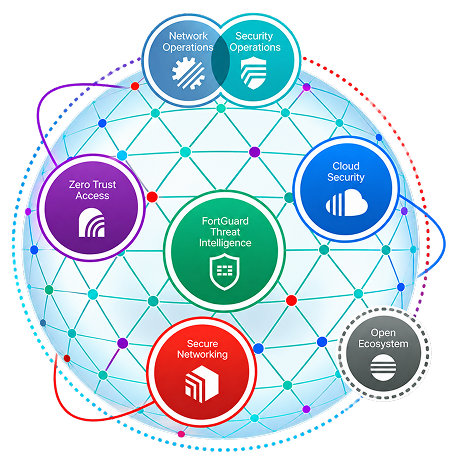
    The number of devices connecting to a business network has grown faster than most IT teams have been able to track. Personal phones, tablets, IoT sensors, smart TVs, guest laptops, printer controllers, and medical monitoring equipment all connect to the same infrastructure as staff workstations. Each one is a potential entry point. The question is not whether unknown devices are on your network. It is how many.FortiNAC is the layer that answers that question and then acts on it. It discovers and profiles every device connecting to your network automatically, classifies what it finds, and enforces the right access policy without requiring manual intervention. eComms deploys and manages FortiNAC for Australian businesses as part of the same Fortinet managed service that covers your firewall, SD-WAN and endpoint protection.
    What FortiNAC Actually Does

    Device discovery and profiling

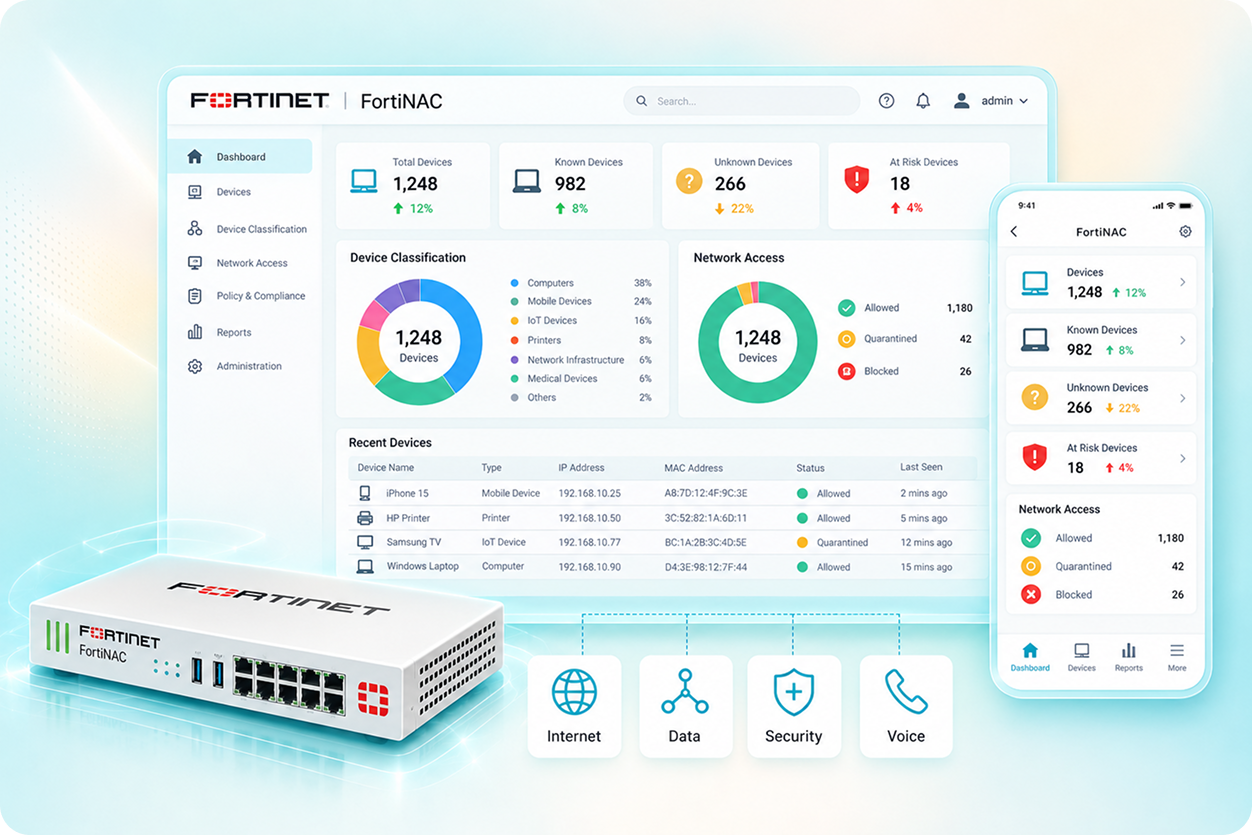
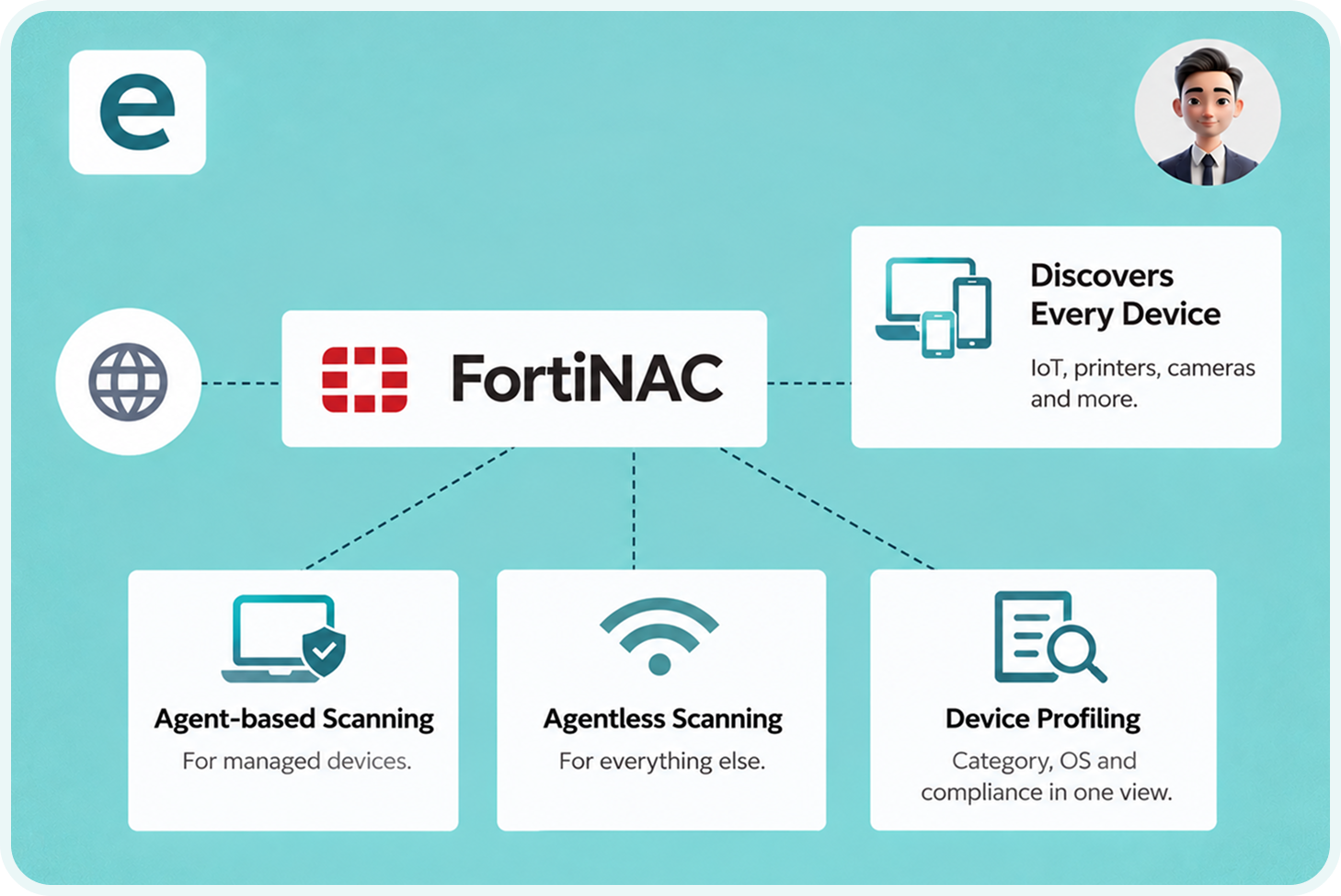
    FortiNAC discovers every device connecting to your network, including devices with no user attached: IoT sensors, printers, cameras, building management systems, and medical equipment. It uses both agent-based scanning for managed devices and agentless scanning for everything else. Every device is profiled so its category, operating system, and compliance state are visible in one inventory
    Automated policy enforcement

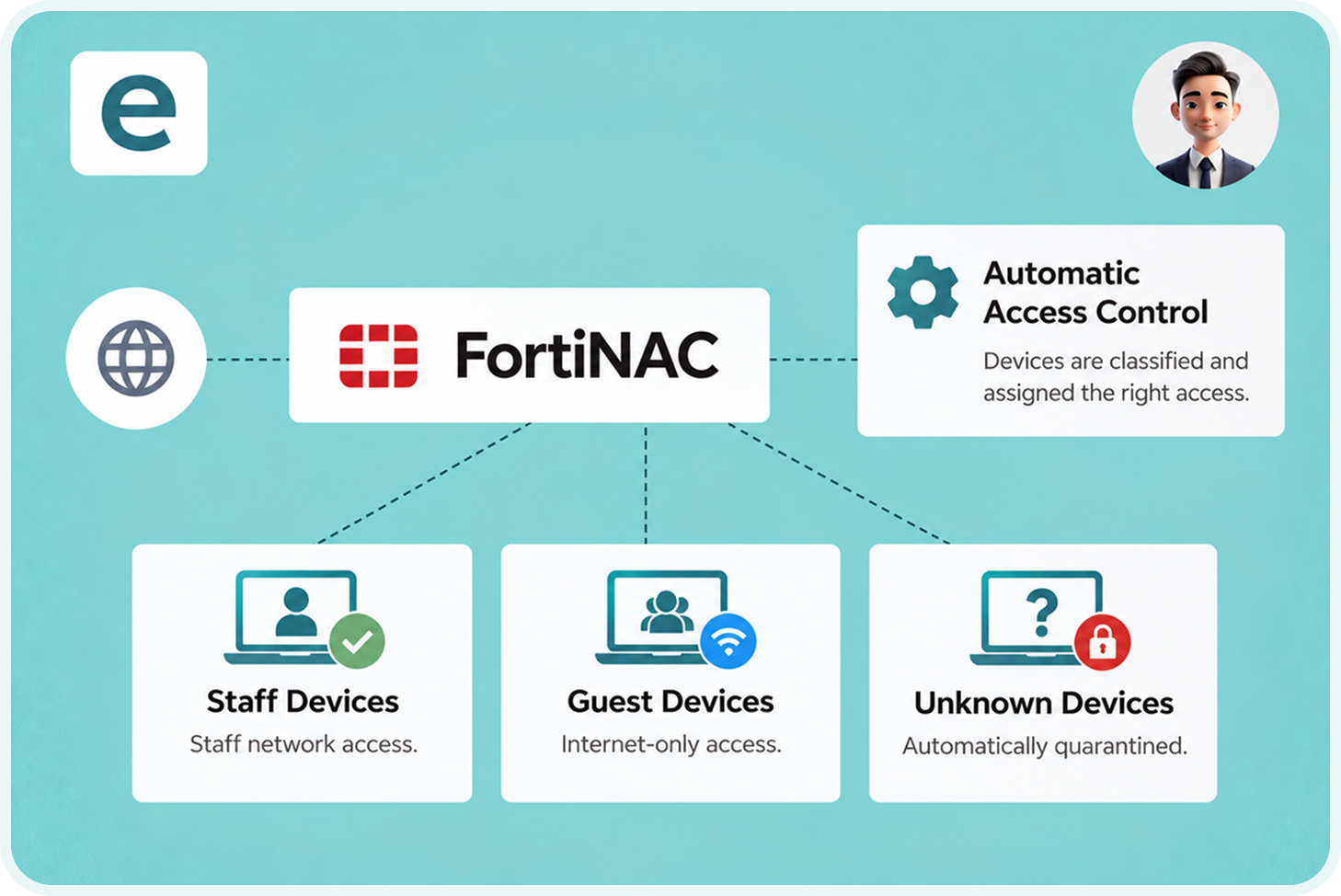
    Devices are classified and matched to an access policy automatically. Staff laptops get staff network access. Guest devices get guest-only internet access. Unrecognised devices are quarantined before they can access production systems. The decision happens at connection, not after someone notices a problem.
    Real-time automated response

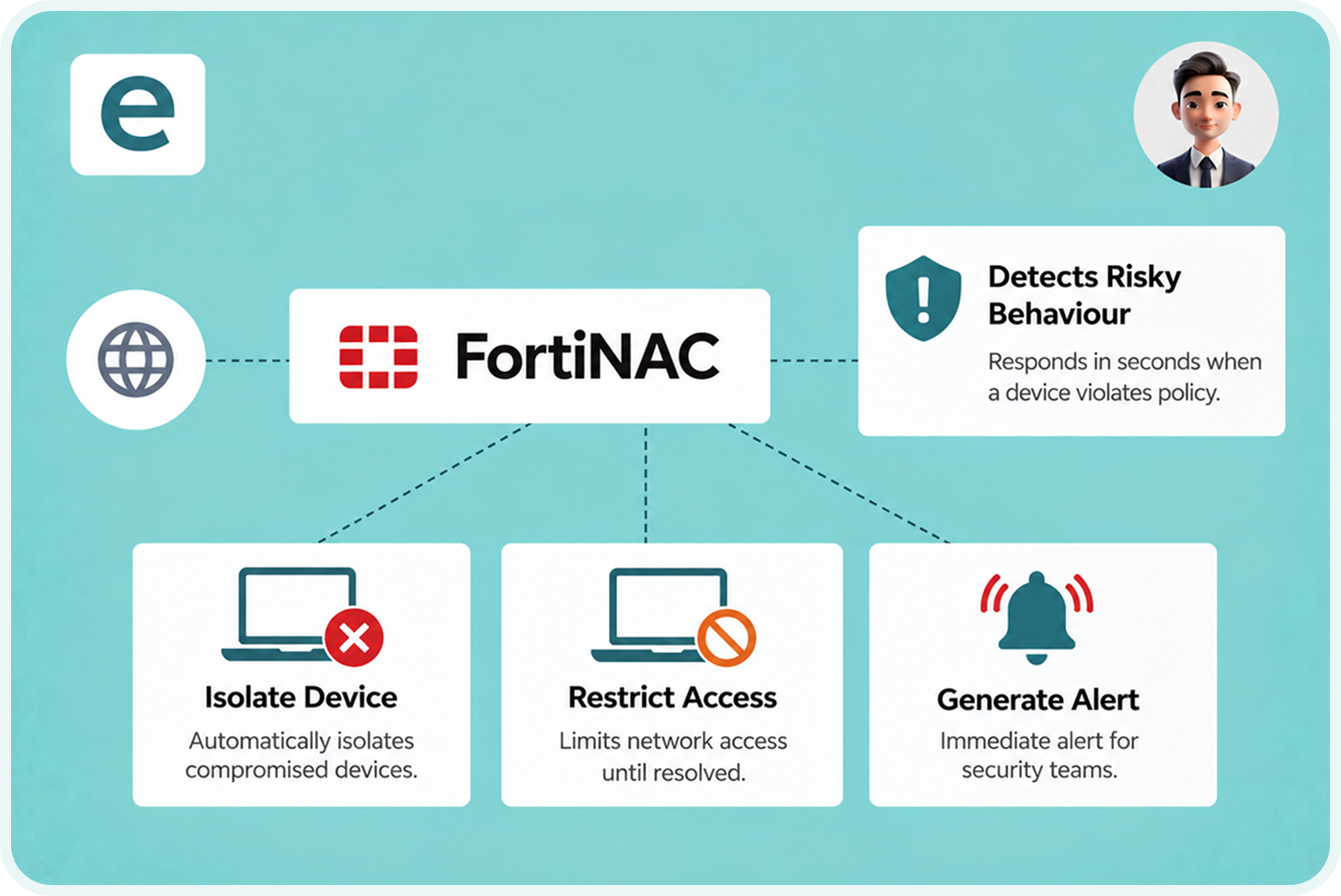
    When a device behaves in a way that suggests compromise or policy violation, FortiNAC responds in seconds: isolating the device, restricting its access, and generating an alert. The response does not wait for a human to notice and act. For environments with IoT and operational technology, the speed of automated isolation is the critical capability.
    Works with existing infrastructure

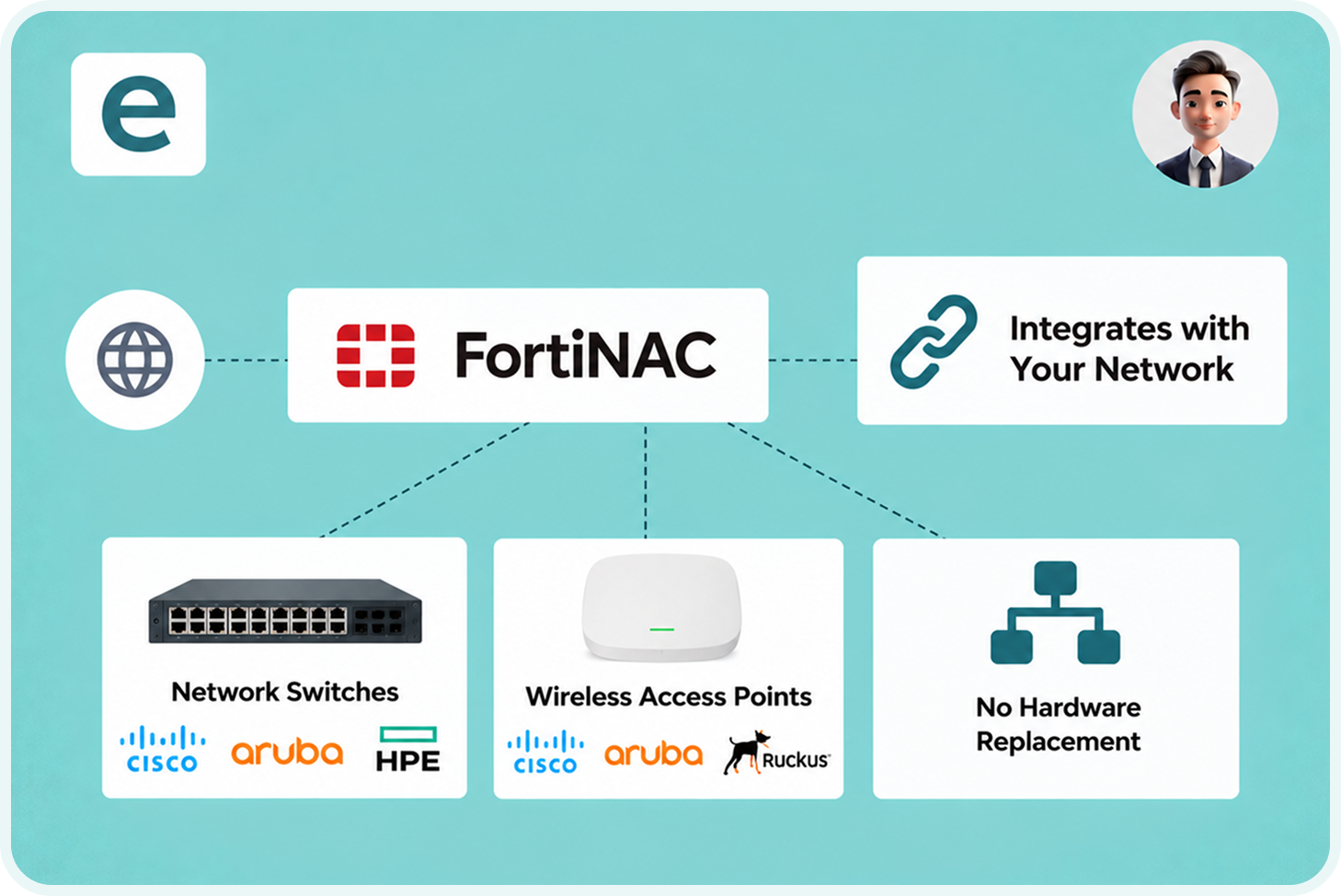
    FortiNAC integrates with switches and wireless access points from a wide range of vendors, not only Fortinet hardware. A business does not need to replace existing network infrastructure to deploy FortiNAC. The access control layer sits above the existing network.

    Queensland School_ Fortinet Security Fabric Delivers 25-35% Lower TCO

    EDUCATION | FORTINET SECURITY FABRIC | QUEENSLAND | 1,650 STUDENTS | 200 STAFF

    Securing a growing digital learning environment without increasing management complexity

    The Challenge:

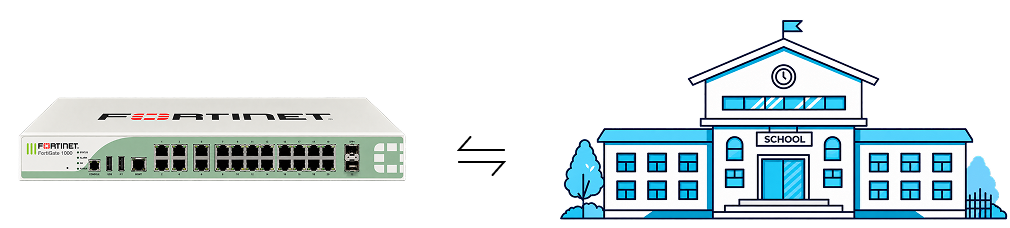
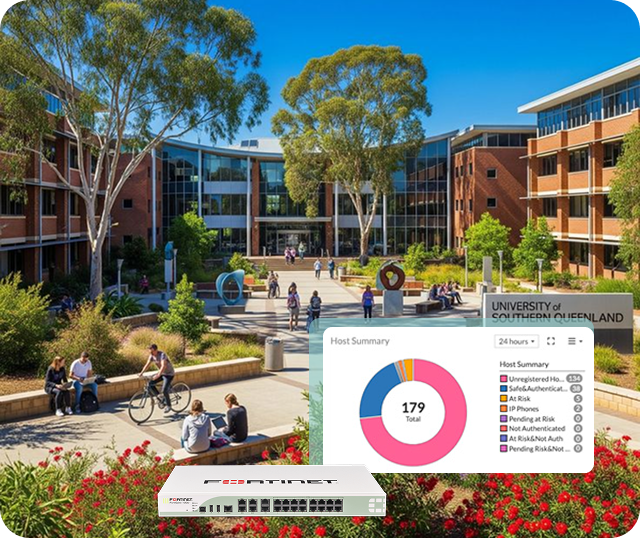
    A Queensland independent school serving 1,650 students and 200 staff adopted a secure-by-design campus network using the Fortinet Security Fabric, including FortiNAC, FortiGate NGFW, FortiAP, FortiSwitch and FortiClient. The result: lower costs, simpler management, and faster troubleshooting.

    How the Product Solved It:

    Outcome:

    Pacific Island Nation_ Standardising National Networking on One Platform

    GOVERNMENT | FORTINET SECURITY FABRIC | PACIFIC ISLAND NATION | NATIONAL NETWORK

    Upgrading a national network across 14 communities with FortiNAC and the Fortinet Security Fabric

    The Challenge:

    A Pacific island government with a population of under 2,000 standardised its national networking and security infrastructure on Fortinet, including FortiNAC, FortiGate NGFW, FortiManager, FortiAP, FortiSwitch and FortiClient across its entire country.

    How the Product Solved It:

    Outcome:

    Where FortiNAC Matters Most

    Education: student and guest device segmentation

    FortiNAC keeps student and guest devices on a segment that cannot reach staff laptops, administration servers, or phone system infrastructure. The policy is enforced automatically at connection without staff involvement. See Industries: Education for the full cross-product education stack.

    Healthcare: IoT and medical device control

    Medical equipment, patient monitoring systems, and clinical IoT devices often cannot run traditional security agents. FortiNAC uses agentless profiling to identify them, classify them, and place them on a segment appropriate to their function without requiring anything installed on the device.

    Multi-site businesses: BYOD without manual approval

    Businesses with many locations need a BYOD policy that applies consistently without someone at each site manually approving every device. FortiNAC enforces this at the point of connection. Works alongside Fortinet SD-WAN for multi-site environments.

    Why Businesses Choose eComms

    Answers to common questions about our managed phone systems, connectivity solutions, carrier network, and ongoing support services.

    What is network access control and why does a business need it?

    Network Access Control (NAC) identifies every device attempting to connect to your network, verifies it meets your access policy, and enforces the appropriate access level or denies connection. Without NAC, any device that reaches the Wi-Fi or plugs into a network port has potential access to areas it should not. Contact eComms to discuss what is actually connecting to your network right now.

    Yes. FortiNAC uses agentless scanning methods including network traffic analysis and SNMP querying to identify and profile devices without installing anything on them. This covers IoT sensors, printers, cameras, building management systems, and medical equipment. Contact eComms to discuss how FortiNAC would handle the specific device types in your environment.

    FortiNAC integrates with switches and wireless access points from a wide range of vendors, not only Fortinet hardware. Businesses do not need to replace existing network infrastructure to deploy FortiNAC. For businesses planning to upgrade their infrastructure, deploying FortiSwitch and FortiAP alongside FortiNAC provides deeper Security Fabric integration. Confirm the current supported vendor list with eComms as supported integrations are updated between FortiNAC versions.

    A firewall inspects traffic flowing between network segments and allows or blocks it based on policy. FortiNAC controls which devices can connect to the network in the first place, and to which segment, before any traffic flows. Both work together in a well-designed network: FortiNAC places each device on the right segment, and FortiGate inspects traffic between segments. See Fortinet solutions for how the Security Fabric fits together.

    Yes. Guest devices connecting to the Wi-Fi are automatically identified and placed on a segment with internet access only, with no path to staff workstations, admin servers, or phone system infrastructure. For schools specifically, student, staff and guest devices can each be placed on separate segments enforced automatically at connection. See Industries: Education for the education-specific context.

    The most persuasive moment in a FortiNAC assessment is usually the first scan result. Most businesses estimate they have significantly fewer unmanaged devices than the scan finds. eComms offers a complimentary device discovery assessment alongside the broader network security assessment. No commitment required. Start at contact us.

    Most Businesses Are Surprised by What Is Already Connecting to Their Network

    Email our CX team: sales@ecomms.com.au